About Magnifying Glasses LITE
People keep forgetting their glasses. It happens all the time. Magnifying Glass LITE is a pocket magnifier app that helps users to see small things without the glasses. Have you ever forgotten your eyeglasses? Are you...
People keep forgetting their glasses. It happens all the time.
Magnifying Glass LITE is a pocket magnifier app that helps users to see small things without the glasses.
Have you ever forgotten your eyeglasses? Are you tired struggling to read a book or a tiny restaurant menu?
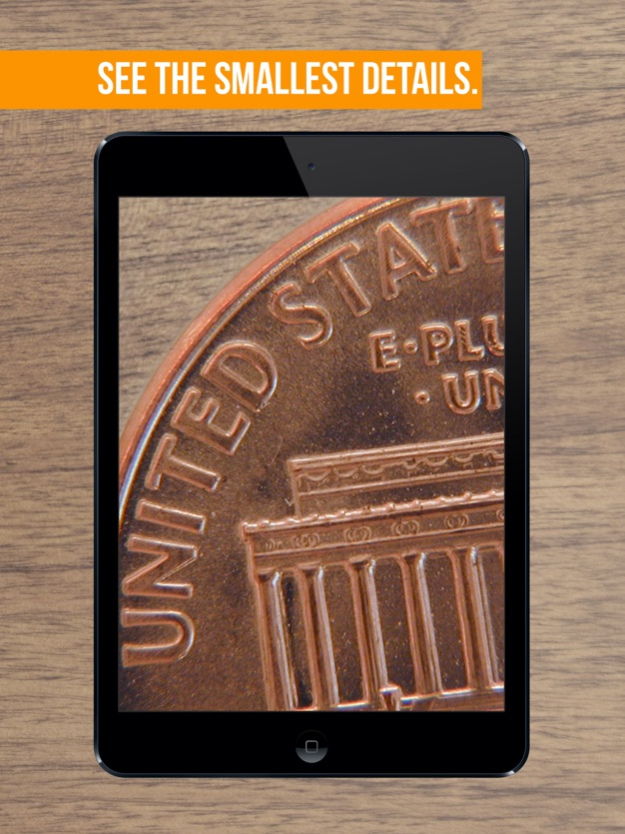
Magnifying Glass LITE the app solves all these problems once and for all! Easily changed that tiny blurry text into clear and readable text with zoom and flashlight built-in features.
Use Magnifying Glass LITE to:
- Read text written with a small font like the menu, drug information, instruction manuals;
- See better & more details in small objects
- Magnifying and capturing small images
Features:
- big zoom
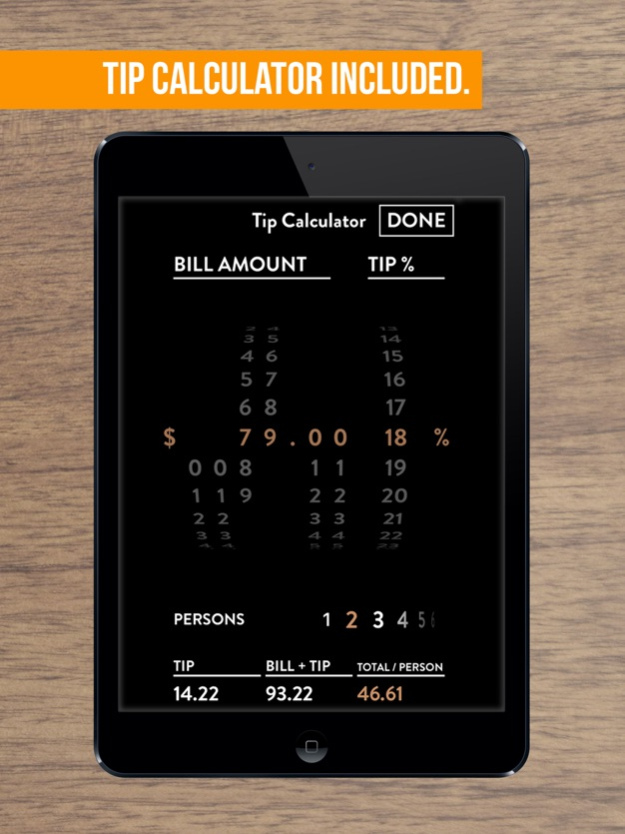
- built-in restaurant TIPs calculator with easy splitting option
- picture freeze feature
- elegant design
Previous Versions
Here you can find the changelog of Magnifying Glasses LITE since it was posted on our website on 2021-12-17 04:00:02.
The latest version is and it was updated on 2024-04-22 21:26:38. See below the changes in each version.
Magnifying Glasses LITE version -
Updated At: 2023-12-06
Disclaimer
Official App Store Link
We do not host Magnifying Glasses LITE on our servers. We did not scan it for viruses, adware, spyware or other type of malware. This app is hosted by Apple and passed their terms and conditions to be listed there. We recommend caution when installing it.
The App Store link for Magnifying Glasses LITE is provided to you by apps112.com without any warranties, representations or guarantees of any kind, so access it at your own risk.
If you have questions regarding this particular app contact the publisher directly. For questions about the functionalities of apps112.com contact us.